 BeautiArt
Words from the icons you already have
Create free Compact letter and number layouts that adapt to icon count and available screen space. Premium adds Paired and Bold strokes. Unused icons stay aligned around the composition.
Windows desktop composition
Start free with geometric shapes and compact letters, numbers, and words. Premium adds decorative art, expressive icon strokes, custom SVG, and reusable layouts. Preview first and restore your original layout when you are ready.
Build with
Designed for expression
BeautiArt Desktop treats icon placement as composition, with enough structure for clean results and enough freedom to make them yours.
Create free Compact letter and number layouts that adapt to icon count and available screen space. Premium adds Paired and Bold strokes. Unused icons stay aligned around the composition.
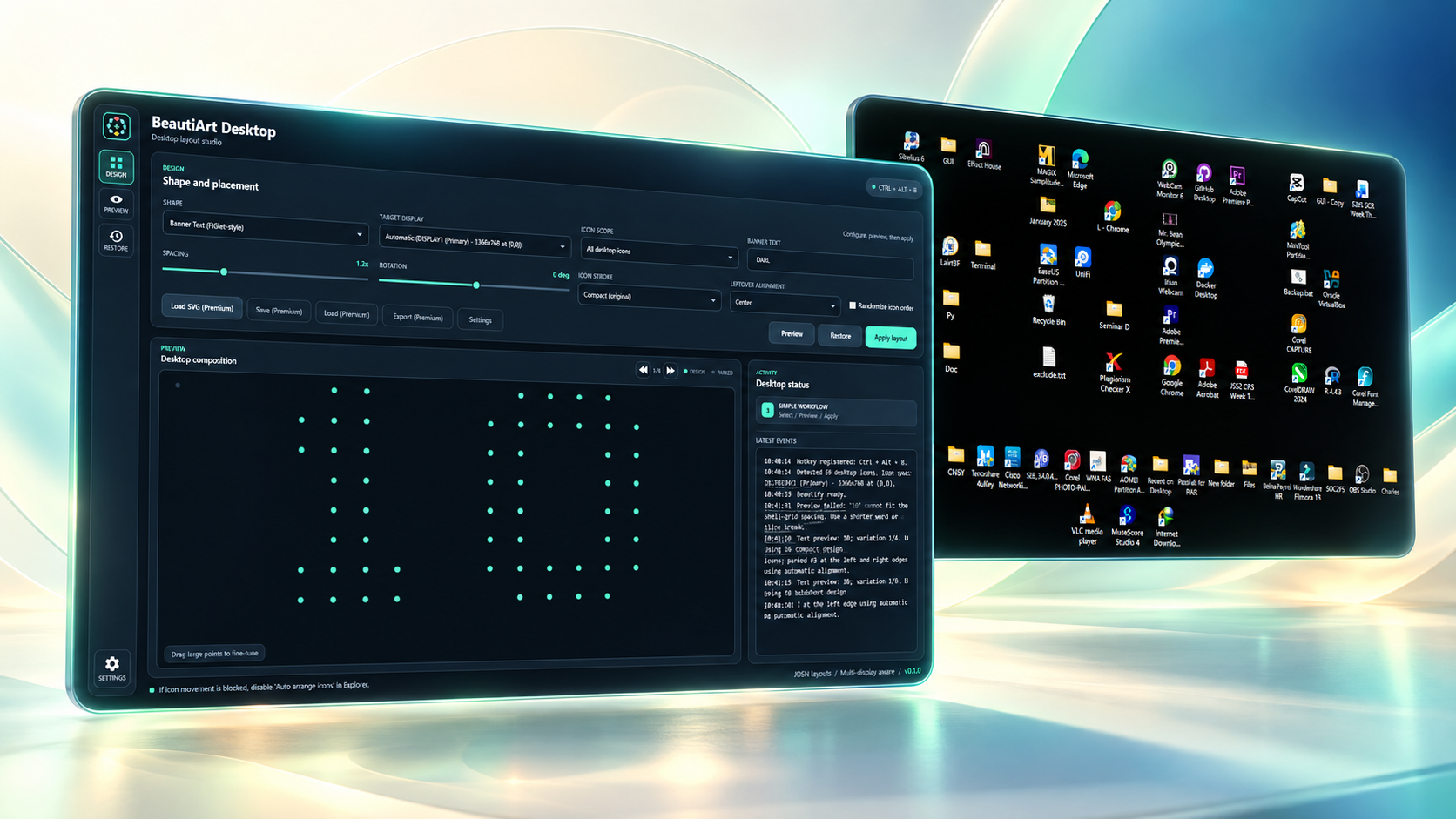
Inspect the complete design and drag its major points before any desktop icon is repositioned.
Target a selected display, scope the participating icons, and keep arrangements inside connected screen bounds.
Start free with circles, squares, triangles, stars, and spirals. Premium adds hearts, ribbons, butterflies, flowers, crescents, and supported SVG paths.
A deliberate workflow
Desktop state is treated carefully. You stay in control at each step.
Select a free shape, character, or word, or use a Premium decorative shape or custom SVG, then choose its display.
Adjust spacing, rotation, parking, and draggable design points. Premium also adds expressive strokes and randomized ordering.
BeautiArt records recovery information before movement so the prior arrangement can be restored.
Made with real desktop icons
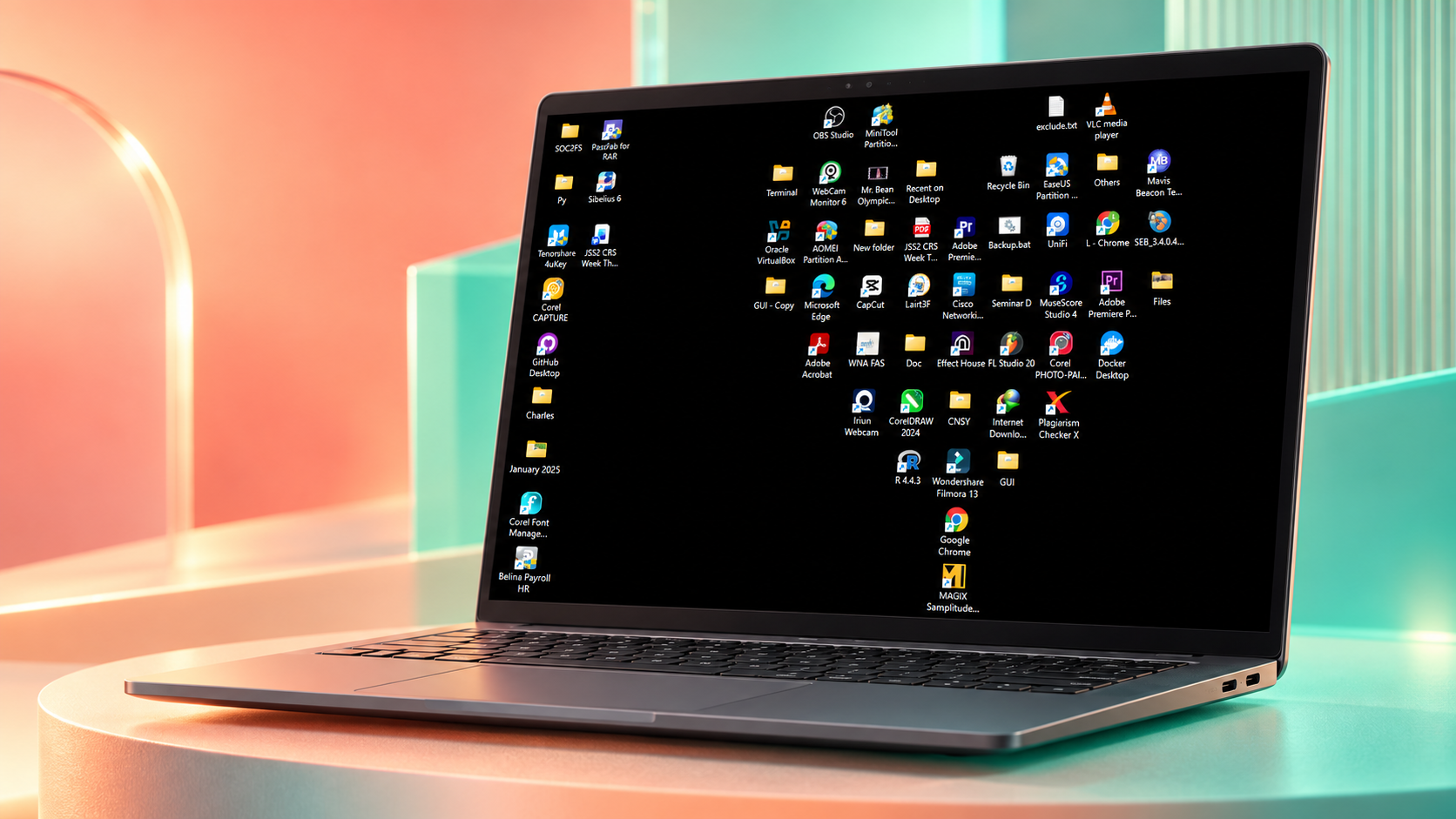
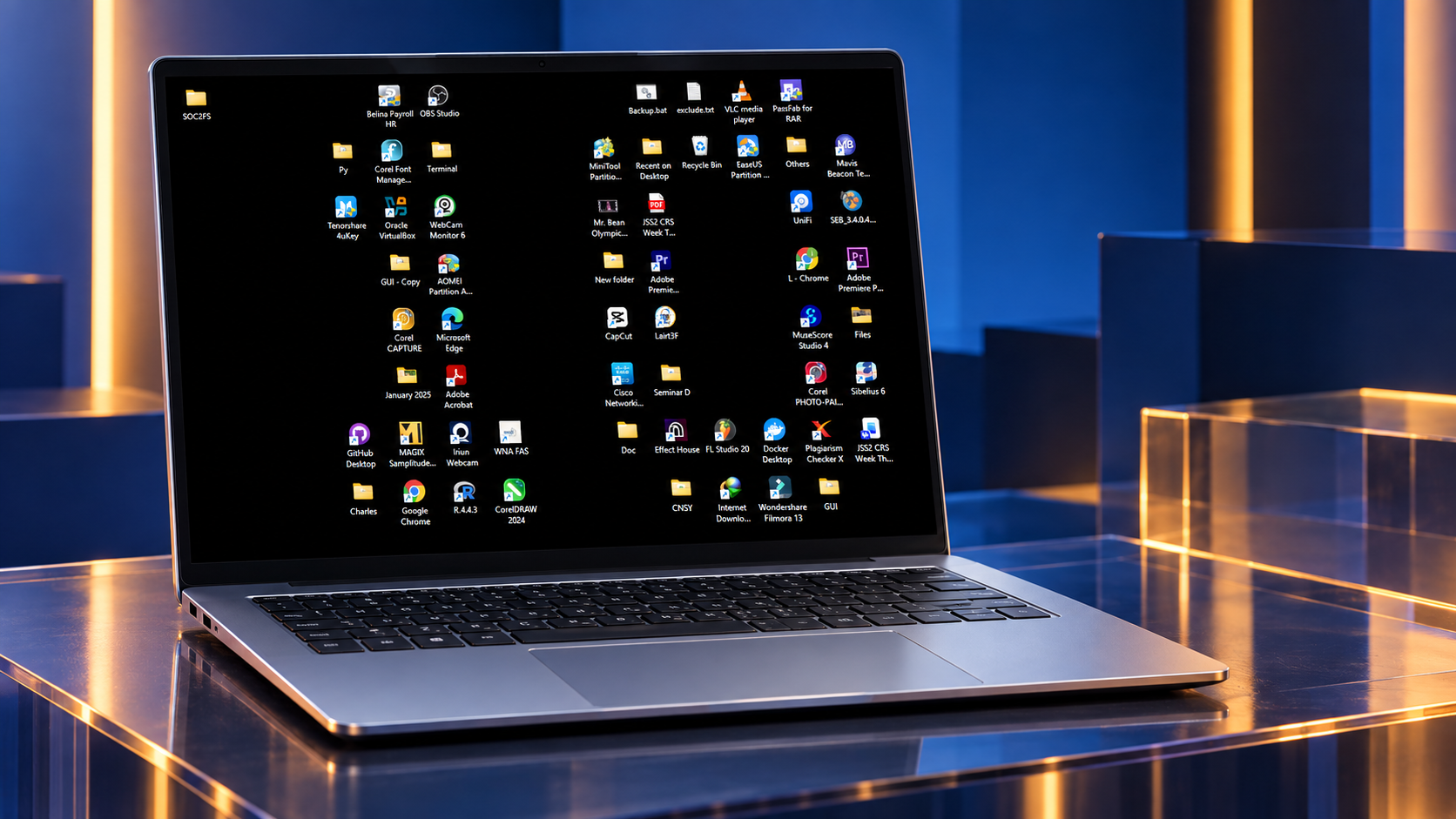
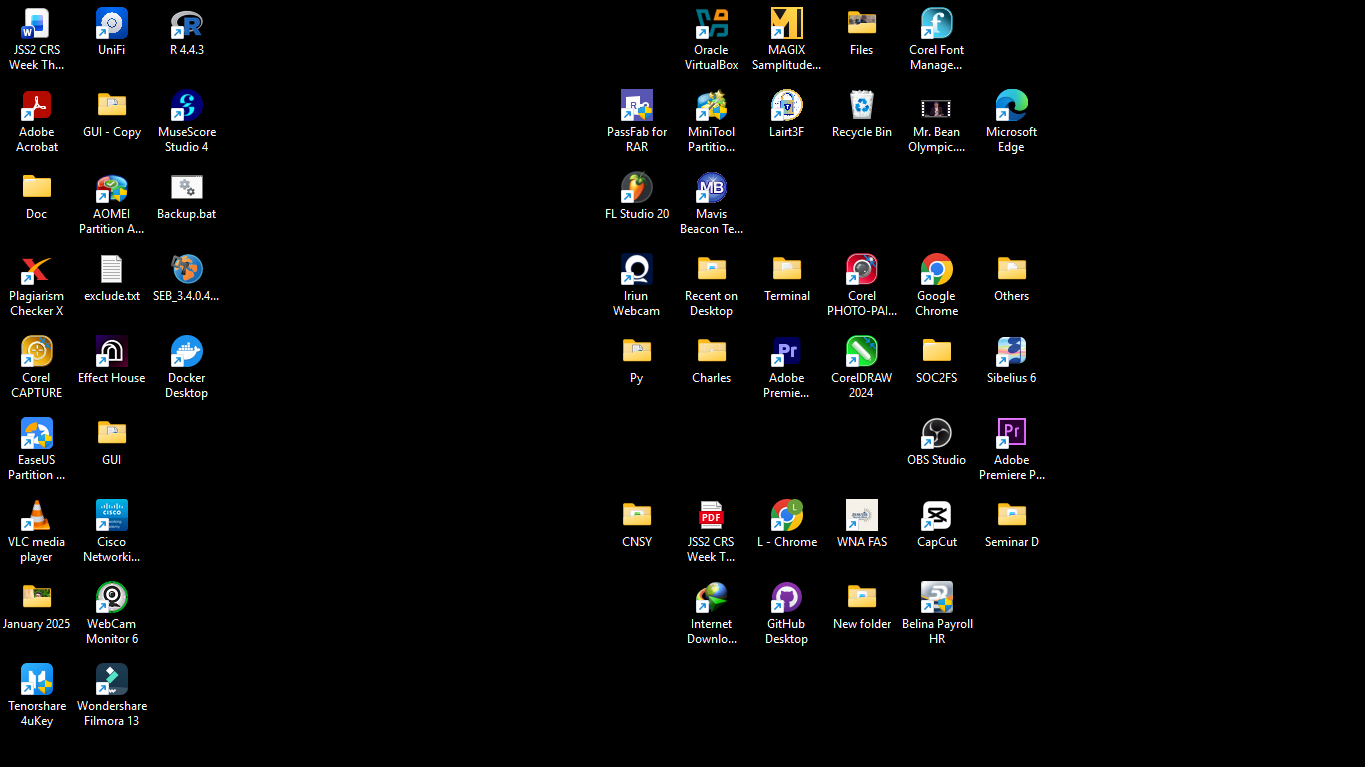
Bold single-character designs can adjust nicely, while words carry the same cohesive visual language, framed by visually aligned icons that complement the design.
Local by design
BeautiArt Desktop reads icon names, positions, and display geometry only to build and restore layouts. It has no publisher account, advertising, or analytics. Microsoft Store APIs check and purchase Premium without receiving desktop layout data.
Useful details
No. It requests position changes through Windows Explorer. It does not rename or delete the desktop items it arranges.
Windows Explorer can override custom positions while Auto arrange is enabled. Align icons to grid may remain enabled.
Yes. Recovery data is prepared before the first Apply operation, and the app provides Restore and startup recovery choices.
Free includes five geometric shapes, Compact text and characters, display and placement controls, Preview, Apply, Restore, manual adjustment, hotkey, and recovery. A one-time durable Premium add-on unlocks decorative shapes, Paired/Bold strokes, SVG, randomization, and JSON layout tools.
BeautiArt detects connected displays and supports explicit display targeting. Final supported configurations will be listed in the Microsoft Store.
BeautiArt Desktop
The Microsoft Store release is being prepared.
Open the download page